
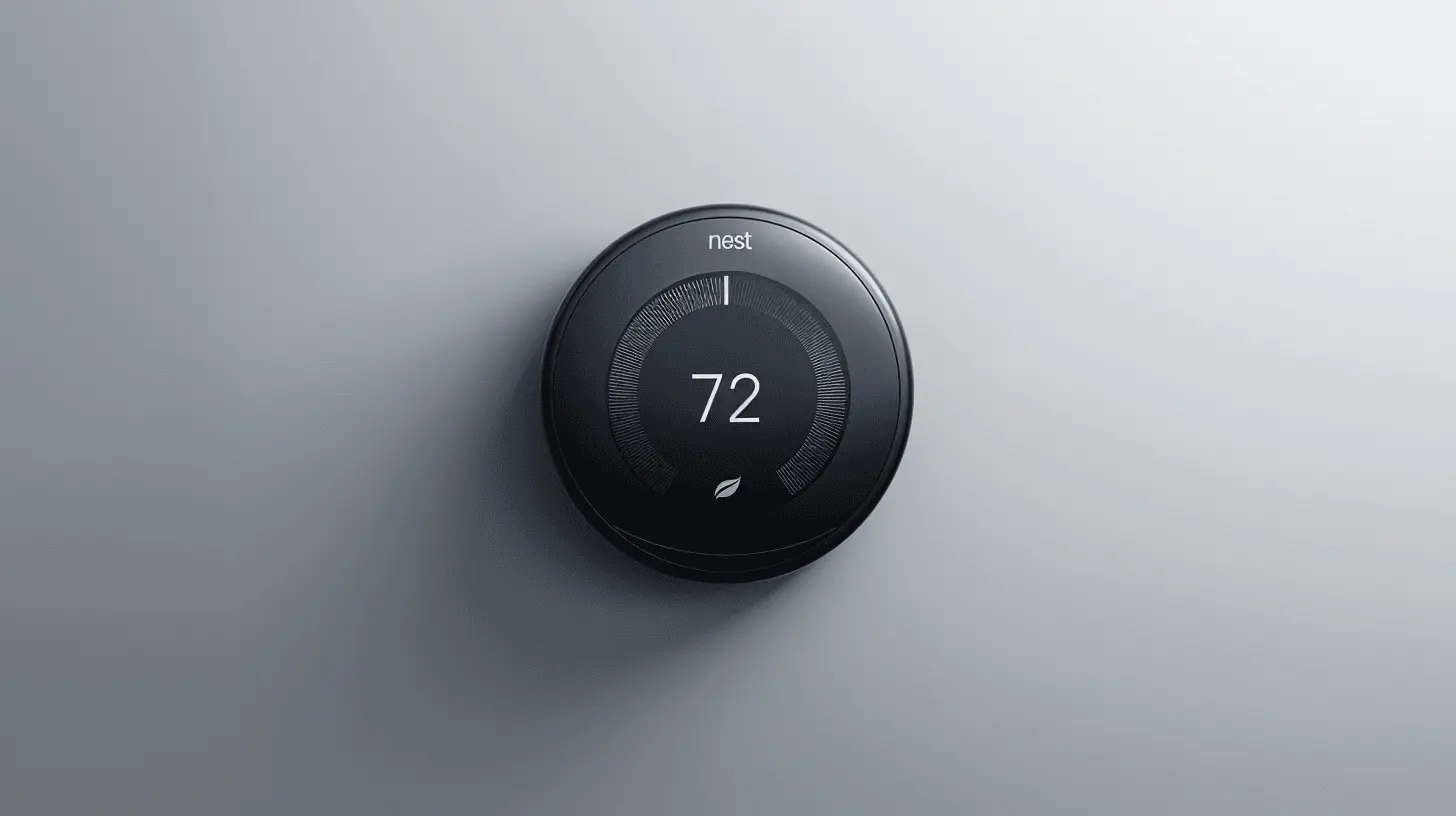
Google Nest Thermostat: Which Nest Model Fits Your Home?
2026-11-16
Keeping a home cool in Dubai is expensive, and a smart thermostat is one of the simplest ways to bring that bill down. Nest offers a model for most budgets, but the names are close enough to confuse. This guide compares the Google Nest Thermostat with the Nest Learning Thermostat, explains which one suits your home, and shows where to buy from Home IQ, a supplier for both single units and bulk orders.
Nest thermostat models at a glance
Nest has two
main families. The standard Nest Thermostat is the simple, affordable
option. The Nest Learning Thermostat is the premium line, built around
automatic scheduling. The table below compares the models most buyers consider
today.
|
Model |
Best
for |
Controls
and display |
Learns
schedule |
Remote
sensors |
|
Google Nest Thermostat (4th Gen) |
Budget-conscious buyers and simple setups |
Touch strip on the side, mirrored display |
No |
No |
|
Nest Learning Thermostat (4th Gen) |
Homeowners who want automation and a premium look |
Large borderless display with a metal ring |
Yes |
Bundled sensor included |
|
Nest Learning Thermostat (3rd Gen) |
Buyers who want the learning feature at a lower price |
Metal ring and bright LCD |
Yes |
Yes |
Current
prices and colour options are listed on each Home IQ
product page, so check there before you buy.
The Google Nest Thermostat: the affordable choice
The Google
Nest Thermostat is the entry point to the Nest family. It is a compact,
3.3-inch unit with a mirrored display and a touch strip for adjusting
temperature. It works with most HVAC systems and includes Savings Finder and
Eco Mode, which help cut energy use without much effort on your part.
Control runs
through the Google Home app, and the thermostat works with Google Assistant and
Alexa for hands-free adjustments. It connects over 2.4 GHz Wi-Fi and Bluetooth
Low Energy, so check your router setup before installation.
The trade-off
is that it does not learn your habits. You set the schedule yourself in the
app. For many households that is perfectly fine, especially if the daily
routine rarely changes. If you are comparing budget options, you can also see
the Nest
Thermostat 4th Gen installation options on the Home IQ site.
The Nest Learning Thermostat: the premium choice
The Nest
Learning Thermostat is the flagship for people who want the device to handle
the schedule. It watches how you adjust the temperature over time and builds a
routine around your habits. Its larger display can show the time, temperature,
and weather, and its design suits a modern living room.
The 4th Gen
model adds a bundled sensor and a System Health Monitor, which help you keep an
eye on how your AC performs. You can choose from polished silver, polished
obsidian, and polished gold. Browse the Google
Nest Learning Thermostat 4th Gen range at Home IQ to compare finishes and
bundles. The cost is higher, and in a small flat with one thermostat, some of
the extra features may go unused.
The Nest Learning Thermostat (3rd Gen): the value option
The 3rd Gen
Learning Thermostat remains a strong choice. It keeps the learning feature and
supports remote room sensors, so it can respond to temperature differences
between rooms. It costs less than the 4th Gen and lacks some of the newer
features. If you want to see how it compares, read our guide on whether
the 4th Gen Learning Thermostat is worth the upgrade from the 3rd Gen, or
check the Nest
Learning Thermostat 3rd Gen listing.
Which Nest thermostat should you buy?
Start with
your budget and your routine. If you want the lowest cost and you are
comfortable setting your own schedule, the Google Nest Thermostat gives
you the core benefits: app control, voice assistant support, and energy-saving
features. If you want the thermostat to learn your routine without input from
you, the Nest Learning Thermostat is the better fit. Buyers who want
that learning ability at a lower price should look closely at the 3rd Gen
model.
Think about
your home too. A two-bedroom apartment with one AC zone has very different
needs from a villa with several zones. If you have rooms with uneven
temperatures, a model that supports remote sensors will be more useful. For a
broader overview, see our best Nest
smart thermostats in the UAE guide.
Compatibility and installation in Dubai
Most central
AC systems work with the Nest Thermostat, but some installations need a C-wire,
which supplies constant power to the device. The Google Nest Thermostat can run
on a rechargeable battery when there is no C-wire, though some systems still
require one. Read our Nest
thermostat compatibility guide for the UAE and our article on whether
the Nest Thermostat works with UAE AC systems before you order.
If you would
rather not handle the wiring yourself, Home IQ offers professional AC installation and AC service and
maintenance across Dubai, including areas such as Dubai
Marina, Arabian
Ranches, and Jumeirah
Village Circle. If you have questions before booking, contact the Home IQ team.
Why buy from Home IQ
Home IQ
supplies both single units for a home and bulk orders for property managers,
contractors, and businesses, so you can get one thermostat or fit out an entire
building from the same supplier. Browse the full smart
thermostat range, see the Home IQ
brands it carries, and read the FAQ
for delivery and returns questions. The return policy explains how
returns work.
Frequently asked questions
What is the Google Nest Thermostat?
It is an
affordable smart thermostat from Google that lets you control your home's
temperature from your phone, with voice assistant support and built-in
energy-saving features.
Does the Google Nest Thermostat work with my AC?
Google states
that the Nest Thermostat works with about 85 percent of HVAC systems. A
compatibility check before purchase is the safest way to confirm.
Does the Nest Thermostat need a C-wire?
Not always.
It can run on a rechargeable battery, but some systems require a C-wire for
stable power.
What is the difference between the Nest Thermostat and the Nest Learning Thermostat?
The Nest
Learning Thermostat learns your schedule and offers a larger display and more
features. The Nest Thermostat is simpler and needs you to set the schedule
yourself.
Does the Nest Thermostat learn my schedule?
No. The
standard Nest Thermostat does not learn. The Nest Learning Thermostat is the
model that adapts to your routine.
Can I control the Nest Thermostat from my phone?
Yes. You can
adjust the temperature, set schedules, and monitor energy use through the
Google Home app.
Does the Nest Thermostat work with Alexa and Google Assistant?
Yes. It
supports both assistants for hands-free temperature control.
How much energy can a Nest Thermostat save?
Google's
marketing for the Nest Learning Thermostat cites savings of up to 15 percent on
energy bills. Actual savings depend on your AC use, your home's climate, and
how you set the schedule.
Can I install the Nest Thermostat myself?
Yes. The
Google Home app guides you through the process. If your system needs a C-wire
or you are unsure about the wiring, professional installation is the safer
choice.
Is the Nest Learning Thermostat worth the extra cost?
It is worth
it if you want automatic scheduling and a more premium design. If you are happy
setting your own schedule, the standard Nest Thermostat delivers most core
benefits for less.
Which Nest thermostat is best for a small apartment?
For a
single-zone flat with a regular routine, the standard Nest Thermostat is
usually enough. Choose a learning model only if you want the device to manage
the schedule for you.
Does the Nest Thermostat support remote room sensors?
The standard
Nest Thermostat does not. The Nest Learning Thermostat models do, which helps
balance temperatures across multiple rooms.
Can Home IQ supply thermostats for bulk orders?
Yes. Home IQ
supplies single units and bulk orders. Contact the team through the contact page with your quantity and
requirements.
Does Home IQ install the thermostats it sells?
Home IQ
offers AC installation
and smart
device installation services. Confirm the scope for your model when you
book.
Do I need a Google account to use the Nest Thermostat?
Yes. The
Google Home app requires a Google account to set up and control the device.
Ready to upgrade your cooling?
Browse the Nest and smart
thermostat range at Home IQ and find the right model for your home or your
next project.
Recent Posts

Google Nest 4th Gen in Dubai: compatibility, installation and setup for villas
Smart thermostats have quietly become one of the most useful upgrades a Dubai homeowner can make. Among the options avai...
Read More →
Top AC service, maintenance and repair company in Arabian Ranches
If you live in Arabian Ranches and are looking for a genuinely reliable AC service company, this guide is for you. Writt...
Read More →